
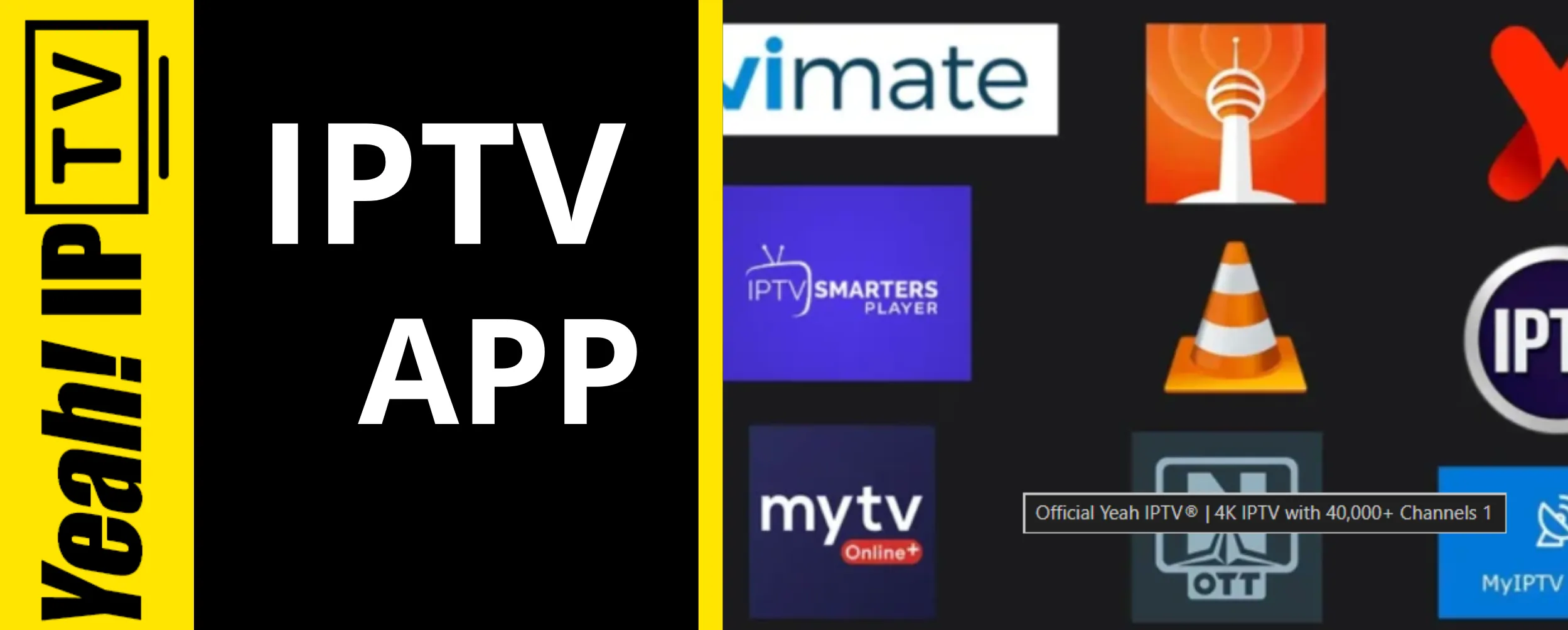
Streaming television has evolved beyond traditional cable subscriptions. Today, millions of users prefer Internet Protocol Television (IPTV) because it offers flexibility, access to global content, and support for multiple devices.
However, your viewing experience depends heavily on choosing the right IPTV app. A reliable app can deliver smooth playback, easy navigation, and advanced features like Electronic Program Guides (EPG), recording, subtitles, and multi-screen viewing.
Whether you’re new to IPTV or considering services like Yeah IPTV, this guide explains everything you need to know before choosing an IPTV app.
What Is an IPTV App?
An IPTV app is software that allows users to stream television channels, movies, and video-on-demand content over an internet connection instead of traditional cable or satellite services.
Unlike streaming services that provide their own content libraries, most IPTV apps simply act as media players. They organize and display content supplied by an IPTV service using formats such as:
- M3U playlists
- Xtream Codes API
- XML EPG files
- Local playlists
Think of the app as the player, while your IPTV provider supplies the content.
Why Choosing the Right IPTV App Matters
Not every IPTV app delivers the same experience.
A quality application provides:
- Fast channel loading
- Stable playback
- Minimal buffering
- User-friendly interface
- Cross-device compatibility
- Secure login options
- Playlist management
- Favorites and parental controls
A poor-quality app, on the other hand, can cause constant buffering, crashes, missing channels, and synchronization issues.
IPTV Market Growth
The IPTV industry continues to expand worldwide.
Some market research estimates value the global IPTV market at over $70 billion, with projections showing strong growth throughout the next decade as broadband access and connected devices become more common.
Several factors contribute to this growth:
- Faster fiber internet
- Increasing smart TV adoption
- Growing demand for on-demand content
- Mobile streaming
- Cord-cutting trends
As competition increases, users expect IPTV apps to deliver a premium viewing experience.
Key Features to Look for in an IPTV App
Before downloading an IPTV app, compare its core capabilities.
1. Multi-Platform Support
The best apps work across multiple devices:
- Android
- Android TV
- Fire TV
- Smart TVs
- Windows
- macOS
- iOS
- Tablets
This allows users to continue watching content wherever they are.
2. Electronic Program Guide (EPG)
An EPG displays TV schedules similar to traditional cable television.
Benefits include:
- Browse upcoming shows
- Search channels
- Set reminders
- Better navigation
3. Video-on-Demand Support
Many IPTV providers offer:
- Movies
- TV series
- Catch-up TV
Ensure the app supports these formats properly.
4. High-Quality Playback
Look for support for:
- HD
- Full HD
- 4K (where available)
- Adaptive bitrate streaming
A good IPTV app should automatically adjust playback based on internet speed.
5. Customization Options
Advanced users appreciate features such as:
- Theme selection
- Playlist editing
- Favorites
- Channel groups
- Subtitle support
- Audio track switching
IPTV App Comparison
| Feature | Basic IPTV App | Premium IPTV App |
|---|---|---|
| M3U Support | ✅ | ✅ |
| Xtream Codes | Limited | ✅ |
| EPG Support | Basic | Advanced |
| Catch-Up TV | Sometimes | Yes |
| Multi-Screen | No | Yes |
| Recording | Limited | Available |
| Parental Controls | Rare | Yes |
| Custom Themes | No | Yes |
| Regular Updates | Occasional | Frequent |
Premium apps often provide a more polished experience, especially for users with large channel libraries.
Is Yeah IPTV a Good Choice?
Yeah IPTV is a name that frequently appears in IPTV discussions because it offers access to a wide range of live channels and on-demand content.
Before subscribing to any IPTV service, consider the following:
- Device compatibility
- Playlist support
- Customer support responsiveness
- Connection stability
- EPG availability
- Trial options (if offered)
- Service reliability
It’s also important to verify that any IPTV service you choose has the appropriate rights to distribute the content available in your region and complies with applicable laws.
How to Set Up an IPTV App
Setting up an IPTV app usually takes only a few minutes.
Step 1
Install your preferred IPTV app from its official source or your device’s app store.
Step 2
Open the application.
Step 3
Choose your login method:
- M3U URL
- Xtream Codes
- Local playlist
Step 4
Enter the credentials provided by your IPTV service.
Step 5
Load the playlist.
Step 6
Configure:
- EPG
- Favorites
- Playback quality
- Subtitle preferences
Your channels should now appear inside the application.
Tips for Better IPTV Streaming
A smooth streaming experience depends on more than just the app.
Follow these best practices:
- Use a stable high-speed internet connection.
- Prefer Ethernet over Wi-Fi when possible.
- Keep your IPTV app updated.
- Restart your router regularly.
- Avoid running multiple bandwidth-heavy applications at once.
- Organize playlists to improve navigation.
- Clear the app cache if performance slows over time.
Common IPTV Problems and Solutions
| Problem | Possible Cause | Solution |
| Buffering | Slow internet | Upgrade speed or use Ethernet |
| App crashes | Outdated version | Update the app |
| Missing channels | Playlist issue | Refresh or reload playlist |
| No EPG | Incorrect XML URL | Update EPG settings |
| Login failed | Wrong credentials | Verify account information |
Practical Example
Imagine two IPTV users with identical internet speeds.
User A installs a poorly optimized IPTV app.
Results:
- Frequent buffering
- Long loading times
- Missing TV guide
- Random crashes
User B chooses a modern IPTV app with optimized playback and proper EPG integration.
Results:
- Faster navigation
- Stable playback
- Organized channels
- Better overall viewing experience
The app itself can significantly influence usability, even when using the same IPTV service.
Best Practices for IPTV Users
For the best experience:
- Choose an app with regular updates.
- Download apps only from trusted sources.
- Back up your playlists.
- Keep your device software current.
- Use strong account passwords.
- Ensure the IPTV service you use is authorized to provide the content you access.
These habits help improve both reliability and security.
Frequently Asked Questions
What is the best IPTV app?
The best IPTV app depends on your device, preferred features, and IPTV provider. Look for apps that support M3U playlists, Xtream Codes, EPG, multiple devices, and regular updates.
Does an IPTV app include TV channels?
Usually not. Most IPTV apps are media players that display content provided by a separate IPTV service.
Can I use the same IPTV app on multiple devices?
Many IPTV apps support multiple platforms, though simultaneous use depends on the app and your IPTV service’s licensing terms.
Is Yeah IPTV compatible with IPTV apps?
If the service provides supported playlist formats such as M3U or Xtream Codes, it may work with compatible IPTV apps. Check the service’s documentation for supported formats.
Why does IPTV buffering happen?
Common causes include slow internet, Wi-Fi interference, overloaded servers, outdated apps, or incorrect streaming settings.
How much internet speed is recommended?
As a general guideline:
- HD streaming: 10–15 Mbps
- Full HD: 20 Mbps+
- 4K streaming: 25 Mbps or higher
Actual requirements vary depending on bitrate and network conditions.
Can IPTV apps record live TV?
Some IPTV apps include recording functionality if supported by both the app and your IPTV service.
Conclusion
Choosing the right IPTV app can dramatically improve your streaming experience. Features such as fast playback, EPG integration, multi-device support, playlist management, and regular updates make daily viewing more enjoyable.
If you’re considering services like Yeah IPTV, focus not only on the available content but also on compatibility, reliability, and whether the service is properly authorized to distribute the programming you want to watch. Pairing a dependable IPTV app with a quality internet connection and an authorized IPTV service can help you enjoy smoother, more consistent streaming.
Ready to upgrade your streaming experience? Compare IPTV apps carefully, evaluate their features, and choose the solution that best fits your devices and viewing preferences.